The everyday note-taking classic.
A FRESH PAGE FOR EVERY IDEA
Lined paper printable.
Made to fit your ideas.
Free lined, graph, and handwriting paper PDFs. Find your layout,
customize the details, and print your next page.
A little inspiration:
✓ Always free↓ Instant PDF downloads◌ No sign-up needed
A reliable grid for math and diagrams.
A clean canvas for your next journal.
A place for a story and a drawing.
Give your notes a place to think.
A new perspective on your next idea.
Six sides, so many possibilities.
Make space for your next melody.
A little extra room to write.
More thoughts on every page.
Four squares per inch, exactly.
Eight squares per inch, exactly.
No papers in this combination. Choose another family or purpose.
A page with more possibilities.
↗▤Combine notes, drawing space, grids, and checklists.
Make it a whole notebook.
↗Your favorite sheets, in one printable PDF.
A BLANK PAGE. SO MANY POSSIBILITIES.
A little structure for whatever comes next.
From the first letter to the next big idea, find a page with a purpose.
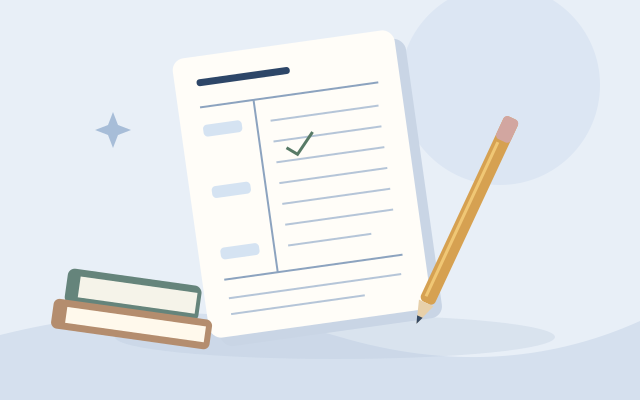
Study & revision
Turn lessons into lasting notes
Keep lecture notes, review questions, and summaries together. Make a Cornell page that fits the way you study.
Make study notes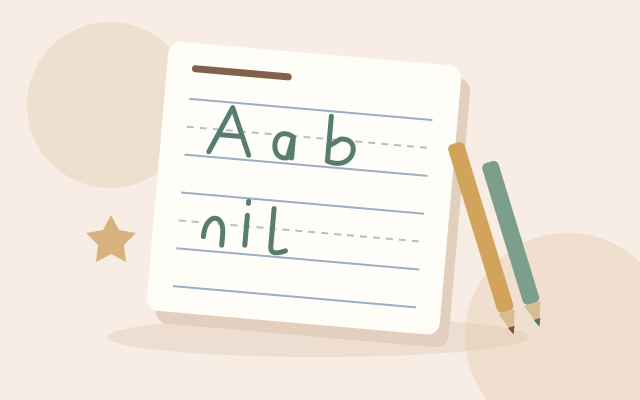
Handwriting practice
Give little letters room to grow
Start with clear writing guides and a dashed middle line. Add a picture box for stories that begin with a drawing.
Create practice paper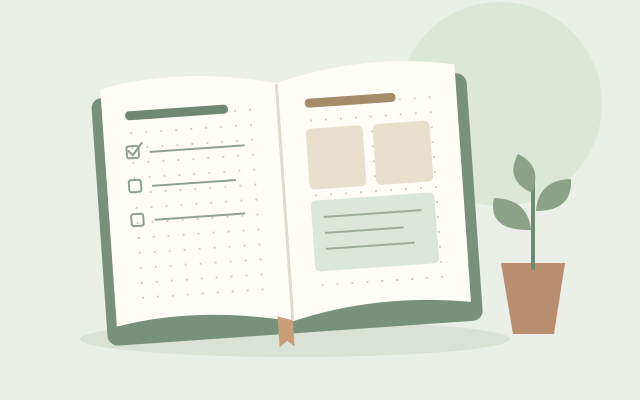
Journaling & planning
Make space for the week ahead
Build lists, trackers, and weekly spreads on a light dot grid. Choose your spacing and leave room for what matters.
Start a dot journal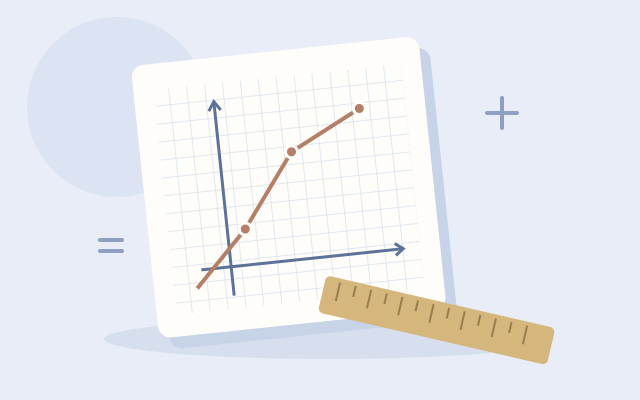
Math & graphing
Work through the next problem
Line up calculations, plot coordinates, and sketch ideas square by square. Pick a grid size that keeps your work readable.
Choose graph paper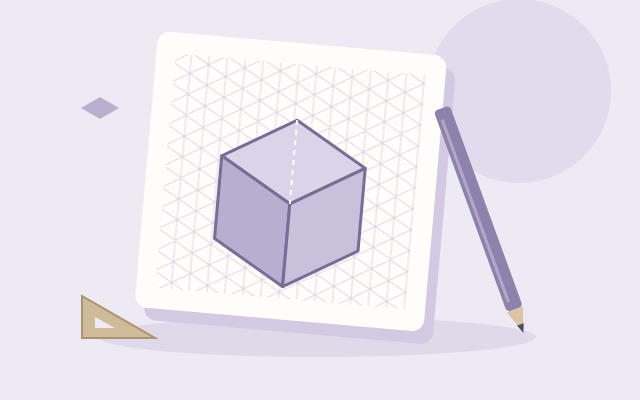
Drawing & design
Sketch an idea from every angle
Explore shapes, objects, and spatial ideas with isometric guides. Keep proportions consistent while your design takes shape.
Make drawing paper
Music & composition
Catch a melody before it goes
Write exercises, arrange a melody, or jot down a musical idea. Set the number of staves and print a fresh manuscript page.
Print music paperROOM FOR WHAT MATTERS
What are you working on?
A paper for every part of your day.
01
Find your paper
Pick a familiar favorite or discover a layout that fits your idea.
02
Make it yours
Choose your size, spacing, and color. See every change as you go.
03
Print. Start something.
Download your PDF and print at 100% for a perfectly sized page.
CHOOSE A PAGE THAT WORKS FOR YOU
Lined paper printable: a practical guide to your next sheet
A useful sheet starts with the right layout. This free lined paper printable tool helps you make writing space for a lesson, a notebook, a journal, or an everyday list. Choose a ready-made sheet when you need something quickly, or adjust the ruling, size, and appearance before downloading. The library also includes graph, handwriting, and dot paper, so you can find a layout suited to the task rather than adapting your work to whatever paper happens to be nearby.
Free lined paper printable PDFs for everyday writing
Start with lined writing paper for class notes, spelling practice, meeting notes, or a handwritten draft. Each lined paper printable PDF contains the writing layout without website navigation or advertising. A standard download is ready immediately; the editor gives you control over the page before exporting. Leave optional fields off for blank lined paper, or include a name, date, subject, or title when the sheet needs a little context.
Printable notebook paper is also useful when you only need a few replacement pages. Choose matching dimensions and check your binding allowance before making an insert. You can save a configuration locally, give it a memorable name, and return to the same writing paper printable settings without rebuilding the layout each time.
College ruled or wide ruled paper: which should you choose?
College ruled paper printable sheets use 7.14375mm between horizontal lines. This is a familiar choice for compact handwriting, study notes, and notebook refills. Wide ruled lined paper printable sheets use 8.73125mm spacing, giving larger handwriting more room. Narrow ruling uses 6.35mm spacing. These measurements remain exact in the file even when a label rounds them for readability.
There is no single ruling that suits every writer. Try the paper comparison sheet to put several spacings beside one another at actual size. A short writing test can help you choose comfortable line spacing before preparing a stack of classroom sheets or a complete notebook.
Handwriting lined paper for kids and elementary practice
Handwriting paper printable layouts provide a top guide and a baseline, with an optional dashed midline between them. This three-line arrangement, sometimes called 3-lined paper, gives children visible reference points for letter placement. Change the writing-band height to create more space for larger letters, then adjust the separate gap between writing bands.
For kids’ writing activities, the handwriting sheet with a picture box leaves room for a drawing above the writing area. It can support a story prompt, a drawing-and-description task, or elementary classroom practice. Choose the band dimensions for the activity and the writer’s needs; the tool does not assign a particular ruling to an age or grade.
Full-page lined paper, blank sheets, and useful margins
A full-page lined paper printable fills the available writing area while respecting the page margins you select. It is not a promise of borderless printing: many printers cannot print to the edge. Keep enough blank space for your printer and any hole punching. The vertical margin line is a separate option, so removing that line does not remove the physical margins around the sheet.
Choose Letter, A4, A5, Legal, or custom dimensions, then select portrait or landscape. For an undecorated sheet, leave headers and page numbers disabled. This creates blank lined paper with no completed names or sample text. Use an extra binding gutter when a notebook or folder needs more clearance along one edge.
Graph paper printable PDFs with precise squares
The free graph paper printable generator makes square grids for calculations, diagrams, planning, and drawing. Grid paper and graphing paper describe the same square-based layout here. Choose 5mm graph paper, quarter-inch cells, or eighth-inch cells. If you need a large grid paper printable PDF, the 1cm square preset provides more room inside each cell.
For 8.5 × 11 graph paper printable sheets, choose US Letter; A4 is a different size. The quarter-inch grid paper printable PDF starts on Letter with exactly four squares per inch. You can add major lines or coordinate axes, or request an exact row and column count. If the grid does not fit, the editor asks you to change the settings instead of silently shrinking the requested squares.
Dot paper and reusable notebook layouts
Dot paper printable sheets provide reference points for journaling, lists, and sketches without continuous grid lines. Adjust horizontal and vertical dot spacing independently, choose a dot diameter, and change the color. The 5mm A5 dot grid is a ready-made starting point for a smaller journal page.
For a more structured page, the layout builder combines supported areas such as a picture box with lined notes or a dot grid with a checklist. Save the sheets you like, then use the paper pack builder to put selected layouts and quantities into one PDF. Each added sheet keeps a snapshot of its configuration.
Download your PDF and print the measurements correctly
PDF is the primary printing format because it preserves page dimensions and vector lines. Match the paper loaded in your printer to the size selected in the editor. Choose Actual Size or 100%, and disable fit-to-page or automatic shrinking. The on-screen preview is scaled, so it should not be used as a physical ruler.
Print one test sheet before making multiple copies. Enable the optional 50mm check marker and measure it with a ruler to check for scaling. If light lines disappear, increase their thickness or choose a darker color. The printing guide explains these checks in more detail. Your printer and its driver still determine the final physical result.
PRACTICAL PAPER GUIDES
Choose well. Print with confidence.
Find worked examples for selecting paper, planning layouts, and getting accurate printouts.
Explore all 10 paper guides →Start with a common question
HELP FOR YOUR NEXT PRINT
Printable paper FAQs
Practical answers about paper layouts, measurements, notebook inserts, and printing.
How do I print graph paper at actual size?
Download the graph paper PDF and open it in a PDF viewer. Match the loaded paper to the PDF size, choose Actual Size or 100%, and turn off Fit to page or automatic shrinking. Enable the optional 50mm print-check marker in Headers & advanced, print one test sheet, and measure the marker with a ruler. The screen preview is scaled and cannot confirm the physical print size.
Check your print settingsHow do I create graph paper with custom grid spacing?
Open the graph paper editor and change Line / cell spacing under Graph settings. Use Display units to enter millimeters or inches; the physical measurement is preserved when you switch units. For example, 5mm gives half-centimeter squares, while 0.25 inches gives 6.35mm squares. Choose the page size, margins, and line appearance, check the preview, and download your custom PDF.
Customize graph paper spacingHow do I add numbered axes to graph paper?
In Graph settings, enable Coordinate axes to add stronger horizontal and vertical reference lines. This generator currently creates unnumbered axes; it does not automatically add axis numbers or tick labels. To make numbered axes, write the labels on a printed sheet or export an SVG and add them in a vector editor while preserving the document dimensions. Choose the axis scale to match your exercise.
Create a grid with coordinate axesHow do I fit multiple coordinate grids on one page?
The generator currently creates one coordinate grid per sheet and does not offer a multiple-coordinate-grid layout. You can combine generated grid pages in a paper pack, then use a PDF viewer’s multiple-pages-per-sheet printing option to place them on one physical sheet. That process usually reduces the grid spacing, so measure a test print. Keep one grid per sheet when exact physical cell spacing must be preserved.
Combine grid pages in a PDFHow do I create a grid with a specific number of squares?
Open Graph settings to choose cell spacing, then open Headers & advanced and enter Rows and Columns under Exact grid count. These values count cells, not grid lines. For example, 10 rows and 10 columns at 5mm spacing create a 50 × 50mm grid. Zero fills the available area in that direction. If the requested grid is too large, choose larger paper, fewer cells, or a deliberately smaller cell size.
Set an exact grid countWhat is the difference between college ruled and wide ruled paper?
In this tool, college ruled paper has an exact line spacing of 7.14375mm (9/32 inch), while wide ruled paper uses 8.73125mm (11/32 inch). Wide ruling leaves more room for larger handwriting; college ruling fits more lines in the same available area. The best choice depends on your handwriting and task. Print a comparison sheet before choosing a ruling for many copies.
Compare college and wide rulingHow do I customize the line spacing on printable lined paper?
Open the lined paper editor and change Line / cell spacing under Lined settings. Enter your preferred distance in the selected display units, then check the updated preview and configuration name. You can also adjust the paper size and margins independently. Changing the page size changes how many lines fit, while the line interval stays the same unless you edit it.
Customize lined paperHow do I add a name and date field to writing paper?
Open Headers & advanced in the paper editor and enable Name field and Date field. The sheet will include blank labeled spaces that can be completed by hand. You can also enable Subject field or enter a short header title. Header fields use some space above the pattern, so check the preview before downloading. Leave them disabled when you want a plain blank sheet.
Add writing paper header fieldsWhat dot grid spacing should I use for a bullet journal?
Start with 5mm horizontal and vertical spacing if you want a square dot grid with a familiar balance of writing room and reference points. Try 6–7mm for larger handwriting or 3–4mm for a more compact layout. These are starting choices, not required journaling standards. Print a sample with your usual pen and check dot size, contrast, binding clearance, and the space needed for your page layout.
Try the 5mm dot grid presetHow do I create handwriting paper with a dashed middle line?
Open the handwriting paper editor and enable Dashed midline under Handwriting settings. The dashed guide appears halfway between the top guide and baseline of each writing band. Writing-band height controls the distance from top guide to baseline; Gap between writing bands controls the separate blank space between rows. Adjust both measurements to the activity and check a real-size test print.
Create three-guide handwriting paperHow do I add a picture box to handwriting paper?
Enable Picture box under Handwriting settings, or open the ready-made picture-box preset. The generator places a fixed 55mm-high drawing area above the writing bands. Add optional name and date fields if useful, then adjust writing-band height and gap. If the picture and a writing band do not fit, choose a taller sheet, reduce the margins, or disable the picture box.
Open handwriting paper with a picture boxHow do I customize a Cornell notes template?
Open the Cornell notes editor and adjust Cue column width and Summary section height in Cornell settings. Choose a lined, dotted, or blank main notes area. For a lined layout, change Line / cell spacing to set the ruling interval. Then choose the page size, margins, color, and optional headers. The preview shows how the sections share the available space; invalid combinations are rejected instead of overflowing the page.
Customize a Cornell notes sheetWhat is isometric paper used for?
Isometric paper provides a triangular reference for sketches of block-like objects, geometric arrangements, and three-dimensional ideas. Its repeating directions can help keep edges consistent while drawing by hand. Choose continuous lines or lattice dots in this tool. The spacing control measures the horizontal vertex interval. The paper is a drawing aid; it does not automatically create a model, assign a real-world scale, or validate a technical drawing.
Explore isometric drawing paperHow do I make printable hexagonal grid paper?
Open the hexagonal paper editor, choose a sheet size, and set Hexagon side length. The measurement is one side of a regular hexagon, not its full width. Point-to-point distance is twice that side length; flat-to-flat distance is side length multiplied by the square root of three. Adjust the line appearance and margins, then download the PDF and print at Actual Size or 100%.
Make a hexagonal gridHow do I customize the number of staves on music paper?
Open Music settings and enter Number of staves. Each staff contains five lines, so ten staves create fifty staff lines. Staff line spacing controls the gap between neighboring lines within a staff; Gap after each staff controls the space between groups. If they do not fit, reduce the count or spacing, or choose a larger sheet. Optional title and composer fields can identify the page.
Customize blank music staff paperHow do I print two A5 pages on one A4 sheet?
Generate a PDF containing two A5 pages, then open your PDF viewer’s print dialog. Choose A4 paper, landscape orientation, and two pages per sheet. This is a PDF-viewer or printer setting, not an in-app layout option. Multiple-page printing may shrink the pages to fit the printable area. If exact A5 dimensions or spacing matter, check the viewer’s scaling controls and measure a test print before making more copies.
Read the paper sizing and printing guideHow do I add a binding margin to notebook inserts?
Set the normal page margin first, then increase Extra binding gutter above the editor to reserve additional space along one side. Enable Mirror gutter for duplex printing if the extra clearance should alternate sides on odd and even PDF pages. The gutter is additional blank space, separate from a visible ruled margin line. Check the final page order, punch position, and duplex binding direction on a test pair.
Set up a notebook insertHow do I print lined paper on both sides?
Create a PDF with the number of pages you need using PDF copies in Headers & advanced. In your PDF viewer or printer dialog, enable two-sided printing; for an ordinary portrait notebook, long-edge binding is the usual starting setting. If your printer needs manual duplexing, follow its paper reloading instructions. Enable mirrored gutters for alternating binding clearance and test one pair of pages to check orientation and front-to-back alignment.
Check duplex printing settingsHow do I combine different paper templates into one PDF?
Save each custom sheet in My papers, then open the paper pack builder. Choose a standard or saved sheet, set its copies, and add it to the pack. Reorder, duplicate, or remove entries before downloading the combined PDF. Each entry keeps a configuration snapshot. The pack supports up to 100 pages within its drawing limits and warns about mixed paper sizes. Keep the tab open while building; the pack itself is not saved across refreshes.
Build a mixed paper PDF packWhy is my printer cutting off the edges of my paper?
The PDF size may not match the loaded paper, or the layout may extend beyond your printer’s printable area. Letter and A4 are different sizes, and many printers cannot print to the edge. Select the matching paper size and increase the page margins if needed. Use Actual Size or 100% when exact spacing matters; Fit to page changes measurements. Print one test sheet and check the printer’s supported margins before printing more.
Troubleshoot clipped print edges